Choosing well
Best Tinnitus Apps in 2026: A Guide to Comparing Them
A factual rundown of sound apps for ringing in the ears, with what each one offers and which platforms it runs on. Includes Tonaleve, which is our app.
Tonaleve guides you to find the tone (Hz) and relative level (dB SL) closest to what you hear and, with that sound profile, calibrates a sound program made for you —notched, broadband, and more— to help you relax, sleep, and mask background noise.
Works straight in your browser —nothing to install— and you can add it to your home screen.

Tonaleve is a general wellness product: it's not a medical device and doesn't diagnose, treat, or cure any condition. If your tinnitus started suddenly in one ear, pulses with your heartbeat, or comes with vertigo or sudden hearing loss, see a doctor urgently before using the app: when to see a doctor now.
The problem with generic sound is that it isn't made for your ear. Tonaleve starts from your own sound profile and personalizes everything from there.See the full methodology →
A 7-step guide: A/B comparisons, an octave check, volume adjustment, and a repeat to confirm consistency. You get your sound profile: tone in Hz and relative level in dB SL.
With your sound profile, Tonaleve creates notched sound, broadband sound, and other modes centered on your tone — not a generic preset — and tells you what's known about each one.
A scheduled listening plan and educational content to support your routine, with your consistency and sessions in view.

A guide that walks you through it, a sound program calibrated to your profile, and your consistency always in view. No endless menus or technical jargon.
Which one sounds more like what you hear?
0.5k2kyour tone12k
Minutes per day last week
Illustrative screens with sample data: the tone, level, and session values are simulated and don't correspond to any real person. The app may differ in design details. Try it free in your browser →
Tonaleve calibrates each ear separately. Without headphones, neither the profile nor the sound program will work properly. A decent pair is enough —in-ear or over-ear— used consistently in a quiet environment.

The guide compares fine frequencies and levels in each ear. Room speakers distort that; good headphones give you a faithful reference of your Hz and your dB SL.
Use the same pair when building your profile and in every sound session. Your program is calibrated relative to your headphones: changing them changes what you hear.
Notched sound and masking are centered on your tone. Headphones with a good frequency response reproduce that sound without coloring it, so the program sounds as designed.
Protect your hearing: listen at a comfortable volume, never at maximum, and take breaks. The sound program is designed to support you comfortably, never to strain your hearing.
Nothing to download and nothing to wait for: the web version works fully on your computer, your iPhone, and your Android. If you want it handy, add it to your home screen and it behaves like any other app.
Works straight in your browser —nothing to install— and you can add it to your home screen like an app.
Open my.tonaleve.appHow to add it to your home screenOpen it in Safari on your iPhone or iPad and add it to your home screen: it gets its own icon and opens in full screen.
Open my.tonaleve.appHow to add it on iPhone and iPadOpen it in Chrome on your phone or tablet and tap "Install app": it gets its own icon and barely takes up space.
Open my.tonaleve.appHow to install it on AndroidTonaleve is a web app: it runs in your browser and, with two taps, becomes just another icon among your apps. No downloads, no waiting on app stores.
You open it and it's already working. No App Store, no Google Play, and it barely takes up space on your phone.
Every improvement lands on its own next time you open it. No old versions, no pending updates.
Added to your home screen, it launches full screen, with its own icon and no browser bar.
Your sound profile and progress live in your account: pick up on your phone, tablet, or computer.
Sign in with a link or a code we email you, and your session stays open.
What you subscribe to covers the web today and the iOS and Android apps once they launch.
From Safari (on iOS, install only works in Safari).
From Chrome (Edge and Samsung Internet also work).
From Chrome or Edge, to keep it on your desktop.
Tonaleve doesn't promise results: it's personalized sound to help you relax, sleep, and mask noise. What it offers is a program built around your profile and consistency, not promises.
Masking, relaxing, and sleeping with sound is a widespread wellness practice. Tonaleve personalizes it to your profile and supports it with educational content and tracking.
Every sound modality carries its own label: well-established, understudied, emerging, or experimental. You know exactly what you're listening to and why.
We publish the sources behind the educational content we offer: seewhat the literature says and thefull bibliography. Tonaleve is a general wellness product, not a medical device, and it doesn't replace consulting a healthcare professional.
Through a step-by-step guide: instead of a free slider, you answer A/B comparisons and the app narrows down the tone using a bisection algorithm, verifies the octave, and repeats the process to confirm consistency. The result is your sound profile: a tone in Hz and a relative level in dB SL that we use to calibrate the audio.
It's the internal reference the app uses to build your audio: the tone closest to what you hear and the relative volume at which you hear it comfortably. It's used to personalize the sound — it's not a clinical measurement or a diagnostic result.
No. Tonaleve is a general wellness product and not a medical device: the sound profile is an approximation made with your headphones, used to calibrate the app's sound. It doesn't replace an audiological evaluation or consultation with a healthcare professional.
Sound personalized to your profile to help you relax, sleep, and mask background noise, along with a listening plan and educational content. We don't promise health outcomes or offer treatment for any condition.
No. Tonaleve runs in your browser at my.tonaleve.app, with no downloads or app stores. If you'd like it handy like an app, you can add it to your home screen: on iPhone and iPad, from Share → "Add to Home Screen" in Safari, and on Android from the Chrome menu → "Install app." It gets its own icon and opens in full screen.
Broadband masking adds a background sound that makes what you hear less noticeable; notched sound attenuates the band around your tone. Tonaleve calibrates both modes to your profile and tells you how well-studied each one is.
Nighttime silence makes any internal sound more noticeable. A comfortable-volume broadband sound background is a common aid for falling asleep, and in Tonaleve it's calibrated to your profile.
Short notes on how each kind of noise sounds, why the background changes at night, and how to build a sound environment that works for you.
A factual rundown of sound apps for ringing in the ears, with what each one offers and which platforms it runs on. Includes Tonaleve, which is our app.
Adding a background sound and cutting a narrow band around your tone are two different roads to the same goal. Here's how each one works and when to choose one over the other.
A sound app and a hearing aid with a tinnitus program aren't competing for the same job: they start from different needs. Here's what each one solves and when it makes sense to combine them.
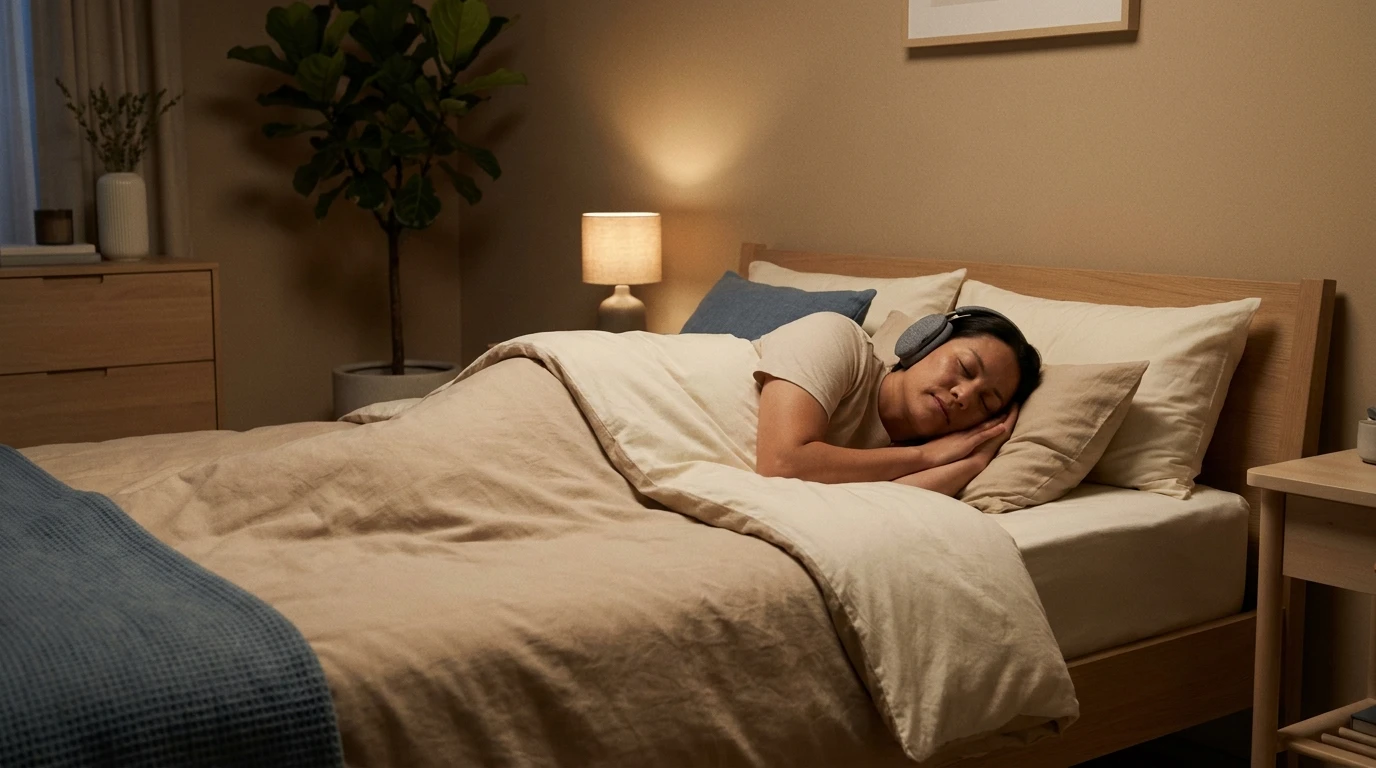
The program is calibrated to your tone and your listening level, starts at the volume you chose, and turns off on its own when the session ends. The next day you see how much you listened, with nothing to log.
Open Tonaleve in your browser and build your sound profile and sound program in minutes. Nothing to install.
Start free now