Tinnitus tone matcher: find the pitch of your tinnitus
Compare the ringing in your ears with a sound you generate yourself, by ear, until you find the closest tone. It runs in your browser and nothing is sent or saved.
Before you start
- Turn your phone or computer volume almost all the way down before you tap the button: the sound starts very low and you raise it little by little.
- If you use headphones, keep them at a low volume. With headphones the tone is easier to tell apart than through the speaker.
- If anything bothers you, feels loud or uncomfortable, stop right away with “Stop sound” or the Esc key.
- Nothing you do here is sent or saved: it all happens in your browser.
Your browser can't generate sound. Try a current version of Chrome, Safari, or Firefox.
Find the closest tone
Move the slider until the sound is as close as possible to the pitch of your tinnitus. Then fine-tune it with − and +.
Which one sounds closest?
It's very common to mix up a tone with the same tone one octave higher or lower. Tap each option and keep the one that sounds most like what you hear.
Your result
Your approximate tone:
This is a subjective estimate to personalize sound. It is not a clinical measurement or a diagnosis, and it does not replace an audiological evaluation.
Hear what notched noise sounds like: soft noise with one octave centered on your tone removed. It's a demo, not a listening program.
What a notched sound filter is and why it depends on your tone →
In the app, that tone is the starting point of your sound profile: it's used to build a sound program to help you relax, sleep, and mask background noise.
Build your sound profile in the appHow the tinnitus tone matcher works
Many people with tinnitus describe it as a ringing, a hiss, or a high-pitched whine. This tone matcher lets you compare that sound with one generated right in your browser until you land on the closest match. That's what tinnitus frequency matching is: a comparison by ear, with no equipment, to find the pitch of your tinnitus.
The slider covers 250 to 12,000 Hz on a logarithmic scale, which is how the ear hears pitch: each stretch of the slider is the same musical step, so the high end isn't crammed into one corner. The − and + buttons fine-tune by a quarter of a semitone. If what you hear is closer to a hiss than a beep, try the noise band instead of the pure tone. For a refresher on what Hz means, see Hz and dB explained.
Do it somewhere quiet, at a low volume, and take your time. If you stop hearing the difference at some point, pause, rest for a minute, and try again.
Why the octave check matters
When people match high-pitched tones, it's very common to land on the wrong octave: picking a tone at exactly double or half the frequency of the one that really matches. Two notes an octave apart share so much character that the ear mixes them up easily, and it happens even more in the high range. That's why, before showing you a number, the matcher plays your pick, half of it, and double it, and asks which one sounds closest. That single step avoids the biggest mistake you can make in this exercise.
What to do with your number
The result is a subjective estimate: it shifts with tiredness, background noise, or your headphones, and it's normal to get something close but not identical if you repeat it. It is not a clinical measurement or a diagnosis, and it does not replace an audiological evaluation.
What it does give you is a starting point to personalize sound. The clearest example is notched noise: sound with a band centered on your tone removed, which only makes sense if that band is in the right place. You can play the demo above and read more in what a notched sound filter is and masking is not covering up. In the app, that tone is the foundation of your sound profile, together with a comfortable listening level.
If your tinnitus feels louder when you're tense, the note on ringing ears, stress, and anxiety may help; for the bigger picture, see what tinnitus is.
When to see a professional
This tool is for personalizing sound, not for assessing your ears. See a doctor or an ear, nose, and throat specialist soon —and don't use this tool to assess it— if:
- the tinnitus is in one ear only, especially if it started suddenly;
- it's pulsatile: it beats in time with your pulse;
- it came with sudden hearing loss, over hours or days: this is urgent, get seen the same day;
- it comes with dizziness or vertigo, ear pain, or discharge.
If your tinnitus is new, changed suddenly, or is making it hard to sleep or focus, it's also worth getting checked. More detail in safety and limitations and what volume to listen at.
Common questions about tinnitus frequency matching
How do I find the pitch of my tinnitus?
The simplest way is by comparison: listen to tones of different pitch and keep the one that sounds most like your tinnitus. This tone matcher does that in your browser and adds an octave check to avoid the most common mistake. The result is a subjective estimate to personalize sound, not a clinical measurement or a diagnosis.
What is tinnitus frequency matching?
It's the process of finding the external tone that sounds closest to the tinnitus you hear. Here you do it yourself, by ear: pick a pure tone or a noise band, move the slider, fine-tune, and confirm the octave. It's a way to describe your sound, not a way to evaluate your ears.
Is this tinnitus tone matcher a hearing test?
No. It doesn't test your hearing or analyze your ears: it only helps you find a sound similar to the one you hear. It is not a clinical measurement or a diagnosis and does not replace an audiological evaluation. If you're worried about your hearing, see a professional.
Why do I get a different number each time?
Because it's a comparison by ear and it depends on the moment: tiredness, background noise, headphones, and volume all change how you hear the sound. It's normal for the result to move a little; if it jumps a whole octave, redo the octave check slowly.
Can I use it with headphones?
Yes, always at a low volume. The sound starts almost silent with a fade-in, has a level ceiling, and stops instantly with “Stop sound,” the Esc key, or when you switch tabs. If anything bothers you or feels loud, stop.
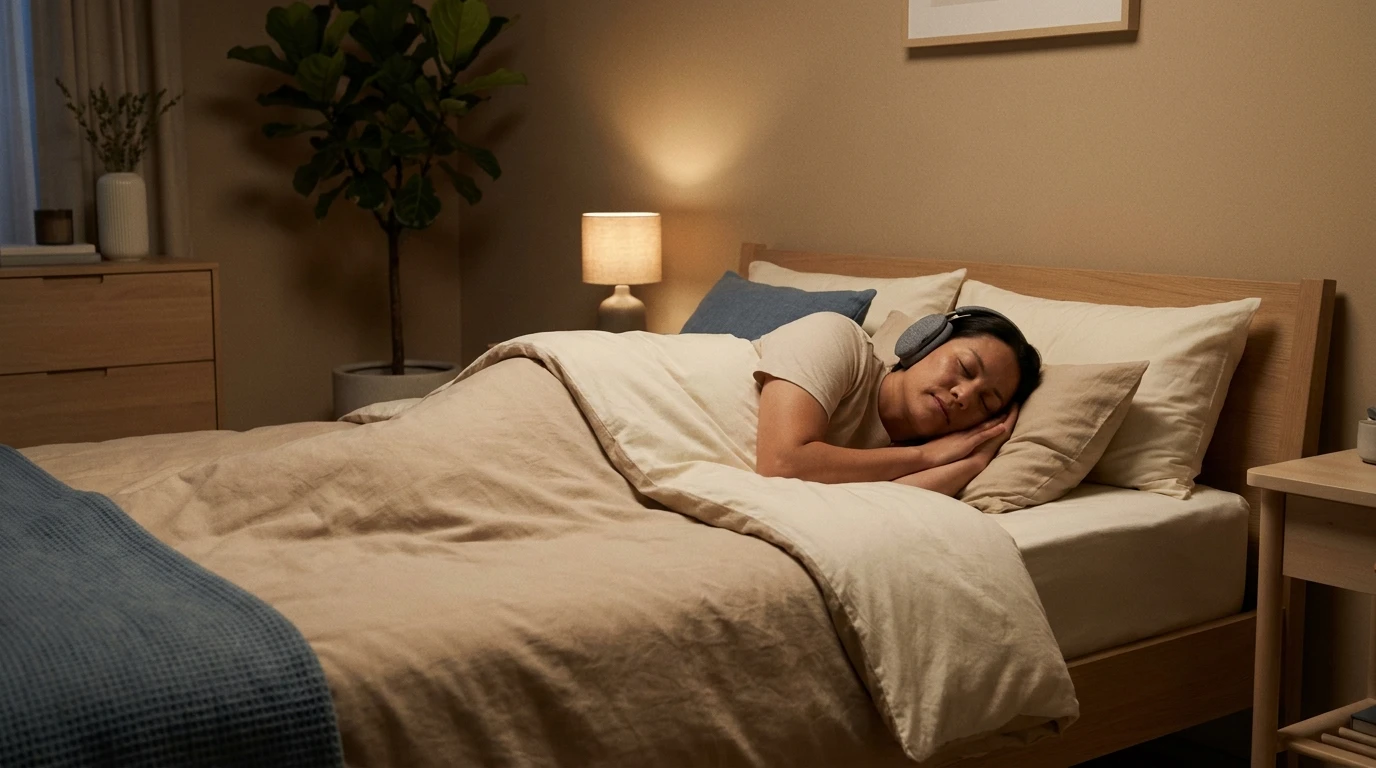
Fall asleep with your own sound, not a preset
The program is calibrated to your tone and your listening level, starts at the volume you chose, and turns off on its own when the session ends. The next day you see how much you listened, with nothing to log.
Start with your profile. Everything else personalizes itself.
Open Tonaleve in your browser and build your sound profile and sound program in minutes. Nothing to install.
Start free now