Sound Generated on Your Device: What It Means for Data and Battery
Tonaleve doesn't play back a recorded file: it builds the sound on the spot, from your profile. Here's what that means for data, dropouts, and battery.
Last reviewed: September 7, 2026
There’s a real difference between playing back an audio file — a track someone recorded once, that then gets downloaded or streamed over the internet every time you listen to it — and building the sound on the spot, on your own device, from a calculation that runs as you listen. Tonaleve does the second one: the background sound you hear isn’t a file traveling from a server, it’s something assembled right there, centered on your sound profile. It’s worth understanding what actually changes in practice when sound is generated instead of played back.
Nothing to Download Before You Start
When sound is generated on the device, there’s no audio file to download before you can hear it. Tonaleve builds the sound using the audio tools already built into your browser: there’s no eight-hour pink noise track sitting in your storage, no waiting for tonight’s session to finish downloading, because there’s no audio file involved at all. All that gets calculated is your tone in Hz and your level, the two numbers our calibration sets up the first time you use the app, and those numbers weigh next to nothing.
Why It Opens and Plays Even Without a Signal
Since the sound doesn’t travel from a server, the app saves the essentials up front so it can still open without a connection: the main screen, the icon, the legal page. That’s why, if you lose signal — you go through a tunnel, the wifi drops, you switch to airplane mode before bed — Tonaleve still opens and the sound still gets generated, because generating it doesn’t depend on downloading anything at that moment. What does need a connection is anything tied to your account: signing in, checking your subscription status, anything related to billing. That’s a distinction we’d rather spell out than claim “everything works without internet”: the sound doesn’t cut out for lack of signal, but the account side of things does need one.
Why It Doesn’t Feel Like a Loop
A recorded track, no matter how long, eventually repeats: a trained ear — or just an attentive one — will notice the point where the file starts over. Generating sound in real time avoids that problem at the root, because there’s no “back to the start” moment: the engine building the sound keeps calculating the whole time you’re listening. It’s the same logic behind the safety controls described on our safety page: a limiter that stays active on the output at all times, smooth ramps every time a sound enters or exits, and a panic control that cuts everything off within milliseconds. None of those controls would make much sense if all that were happening was a fixed file playing start to finish.
Leaving It On While You Fall Asleep
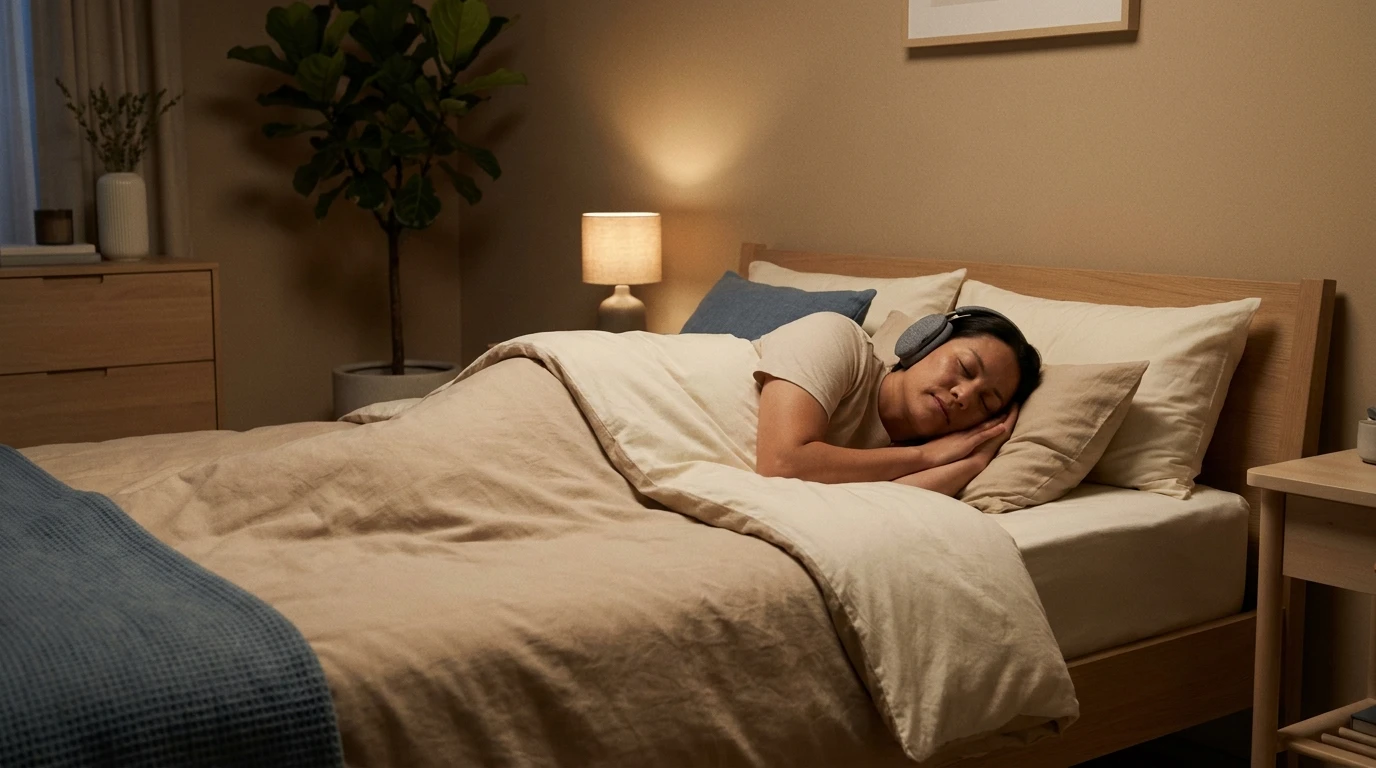
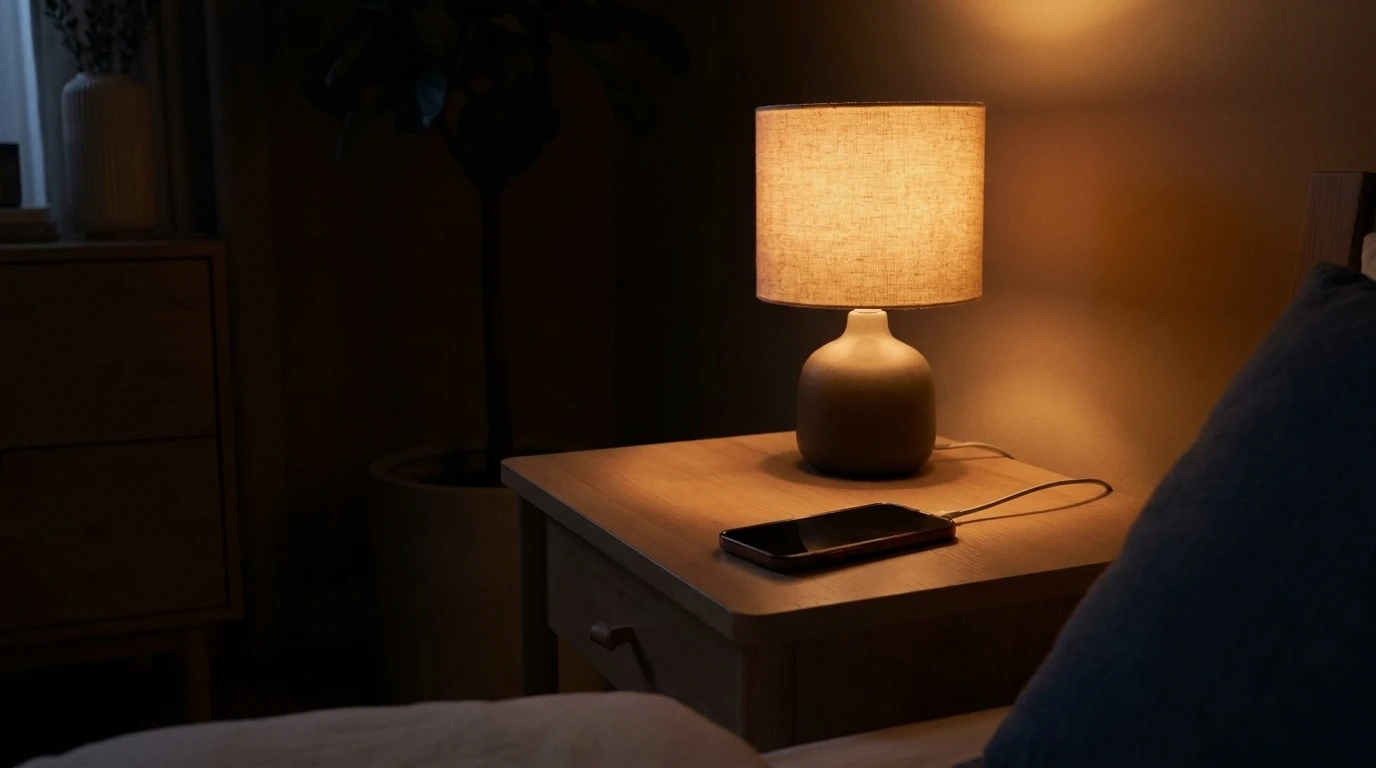
If you’re planning to use Tonaleve as company while you drift off, a couple of practical things are worth knowing. The app automatically ends each session after 60 minutes, as one of its built-in safety controls — it’s not there to get in your way, it’s there so no one leaves sound running indefinitely without noticing. If your plan is to have it playing as you fall asleep, the simplest thing is to plug the phone into the charger from the start: that way it doesn’t matter how long the session runs, or whether you’re already asleep by the time it ends, battery won’t be an issue in the morning.
The Screen Being Off Is What Saves the Most Battery
Of everything that drains a phone’s battery overnight, a lit-up screen is usually the biggest factor by a wide margin. If you’re leaving Tonaleve playing, it makes sense to turn the screen off rather than leaving it on “just to check it’s still working”: the sound keeps going in the background either way, no screen required. Beyond that, the usual common-sense habits apply: keep brightness low while you’re using it, close other apps running in the background, and if your phone has a low-power mode, turning it on for a long night doesn’t change how the sound comes through.
Adding It to Your Home Screen
Since Tonaleve is a web app, there’s nothing to install from a store: you open it in your browser and, if you want it within reach like any other app, you can add it to your home screen in a couple of taps. It doesn’t just sit there as a shortcut shaped like an icon: your browser registers it as an app in its own right, with its own entry point and its own window, so it opens full screen with no browser bar around it. It also barely takes up space on your phone, because it isn’t a heavy file you download in one go — it’s a reference that gets pulled up each time. It’s an optional step: it doesn’t change how the sound gets generated, it just makes opening the app feel a little more like opening an app and a little less like opening a browser tab.
If you want to hear what a sound built specifically for you feels like, with no files involved, you can build your profile and listen right from your browser at my.tonaleve.app.
Keep reading
Six Things to Check Before Subscribing to a Sound App
Before you pay for a sound subscription to relax or sleep, there are six questions worth asking. They apply to any app in the category, not just ours.
What Tonaleve Stores About You, and What It Doesn't
Your tone and sound program stay on your device; our servers hold only what's needed to run your account. Here's what's what, and what we don't do with it.
Best Tinnitus Apps in 2026: A Guide to Comparing Them
A factual rundown of sound apps for ringing in the ears, with what each one offers and which platforms it runs on. Includes Tonaleve, which is our app.